Streaming Traffic is a module inside Botlord Platform. Install and activate the platform first, then configure the engines available to your plan.
Campaign and track setup
Adding tracks, setting play targets, timing, and monitoring playback in Logs.
1 min readSoundCloud tasks and track configuration
Create a campaign in Streaming Traffic and add the supported track task with a track URL. Use the campaign builder for tasks, runtime choices and timing; the current workspace uses Campaigns rather than a separate Tracks sidebar page.
Review the configured duration, repeat/target settings and schedule before saving inactive. External play counts can differ from completed bot sessions; the UI does not guarantee a counted SoundCloud play.
Proxies for streaming
Use residential proxies for SoundCloud play automation. SoundCloud tracks geo-location of plays — a diverse proxy pool produces more natural-looking listener distribution.
Rotate per session. Each play session should come from a different endpoint to distribute the geographic signal.
Schedule windows
Set a start and end hour to control when play sessions run. Spreading plays over a full day looks more natural than batching them in a short window.
Set the schedule and session limits to match your intended workload. Check the campaign time zone and stopping conditions before saving.
Monitoring in Logs
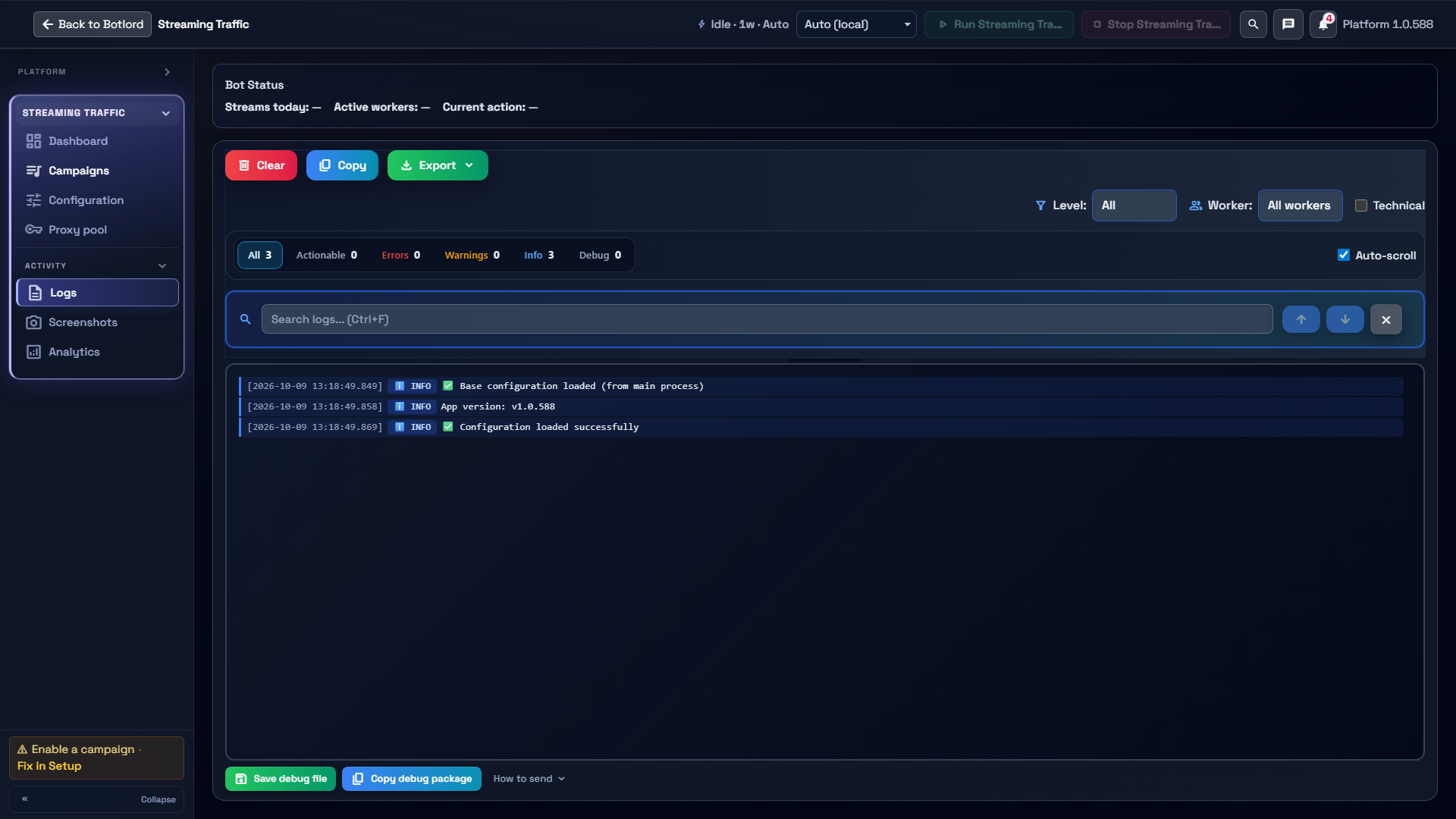
Open Streaming Traffic → Logs to inspect events and errors. Use level, worker and search filters to isolate the session you are investigating.
Configuration startup messages confirm configuration loading only. Compare actual session events with Analytics and the external service; do not treat an empty error list as proof that a play was counted.