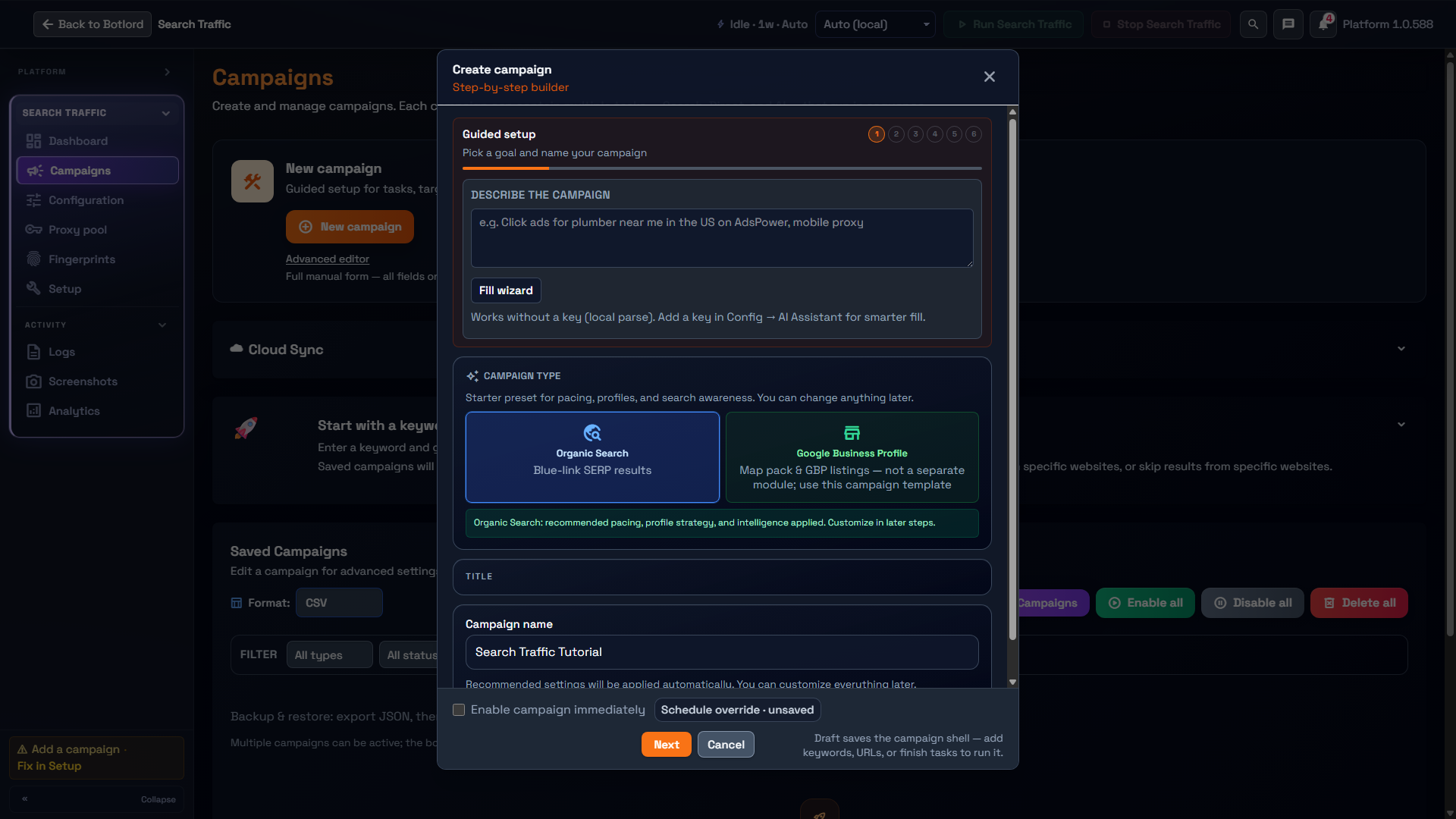
Search Traffic is a module inside Botlord Platform. Install and activate the platform first, then configure the engines available to your plan.
Initial configuration
License, runtime, SERP engine selection, and saving before the first controlled run.
1 min readLicense and runtime
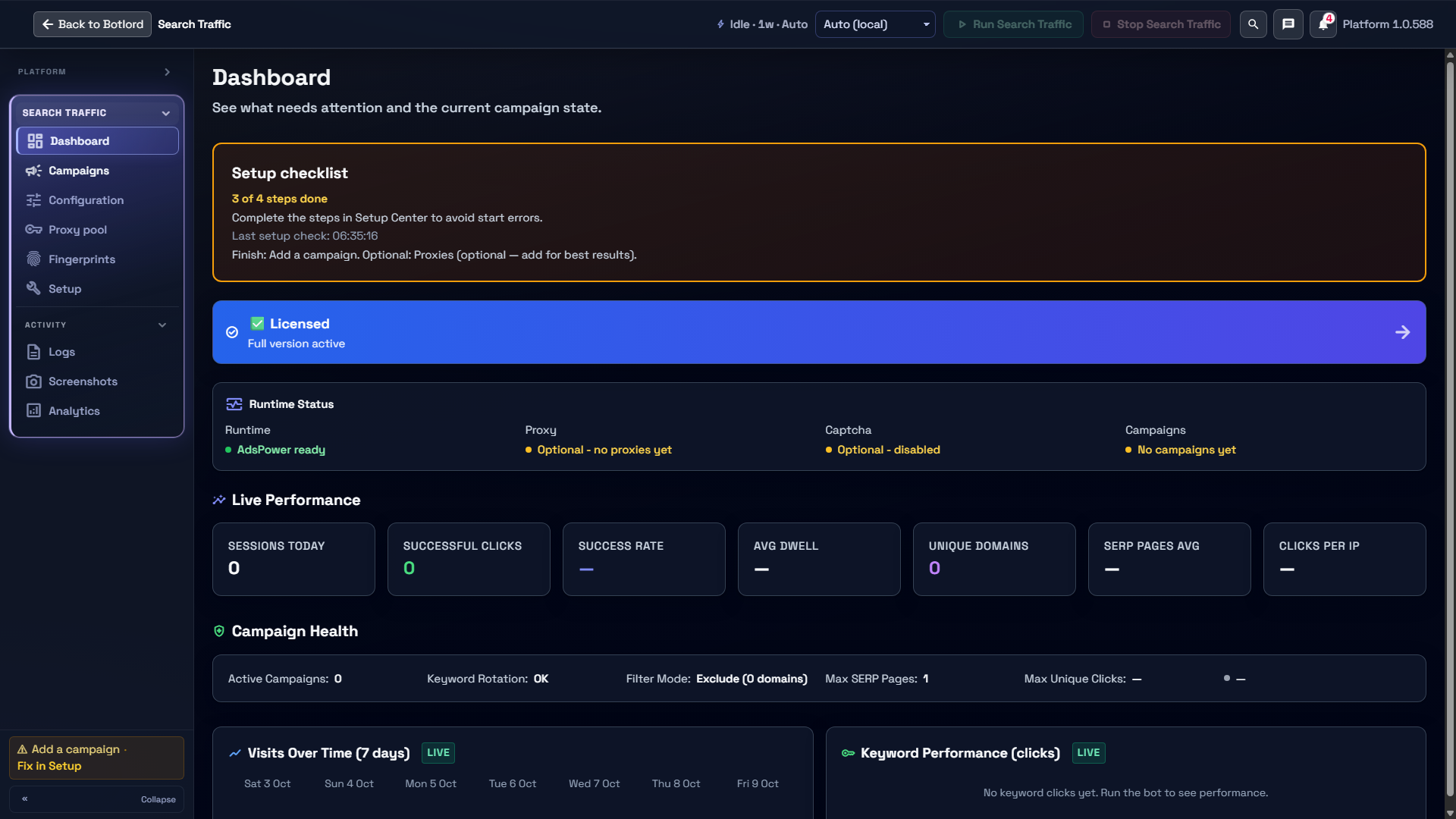
Install Botlord Platform first, then activate with your dashboard license key. Search Traffic appears as a module when your plan includes it.
Starter Search includes Google SERP when Search Traffic is your chosen module. Starter Ad does not include Search Traffic. Scale and Enterprise include both families and add the catalog’s supported search engines. Engine availability is enforced by your license — missing engines appear locked in the UI.
Add CapMonster or 2captcha API keys if you regularly hit search CAPTCHAs. Set at least $5–10 USD balance before long unattended runs.
SERP engine selection
Google uses a search box — the bot types your keyword on google.com and submits. Bing, Yahoo, DuckDuckGo, and Yandex use direct SERP URLs — the bot navigates straight to the results page without typing.
Select your engine in the campaign settings before starting. You can run multiple campaigns targeting different engines simultaneously using concurrent workers.
Match your proxy geo to the SERP locale. A German proxy on google.de will produce different results and ads than a US proxy on google.com.
Keywords and target URLs
Enter one keyword per line or use keyword groups to organise campaigns by topic. Workers pick keywords from the queue in order or randomly depending on your settings.
Set the target domain so the bot knows which organic result to click. Domain filter mode: All (click first result matching any domain), Include (only specified domains), Exclude (skip specified domains).
Keep early keyword lists short — 5–10 keywords — until you confirm proxies and captcha rates are stable in Logs.