Search Traffic is a module inside Botlord Platform. Install and activate the platform first, then configure the engines available to your plan.
Profile strategy
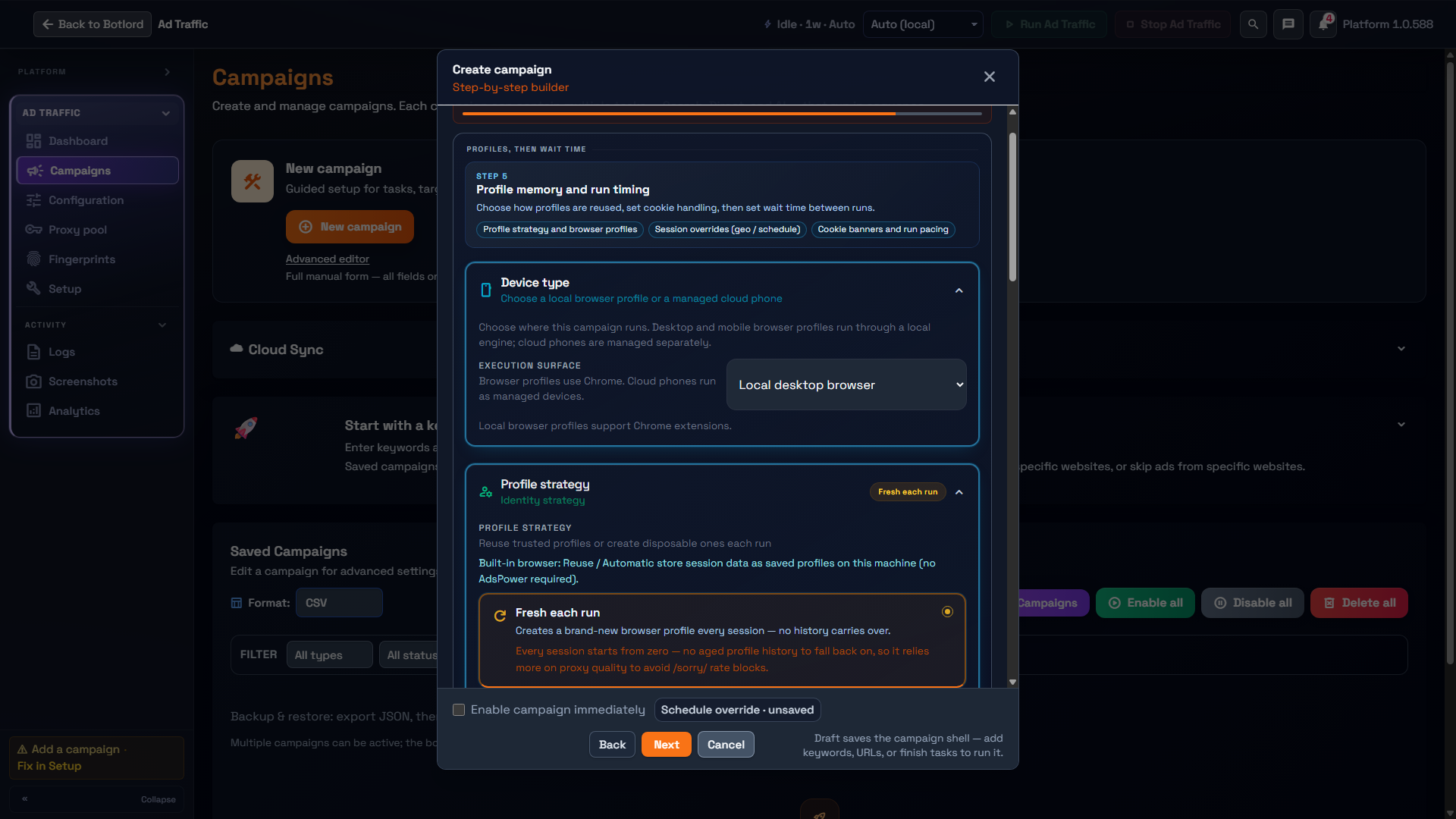
Fresh each run vs Reuse profiles profiles, warmup templates, and antidetect browser setup for CTR work.
1 min readProfile strategy modes
Lifecycle shows the current profile strategy labels. Fresh each run starts a new browser profile without history. Reuse and automatic strategies retain or select saved state where supported.
Choose the strategy for this campaign, then review its device surface and provider. Built-in saved profiles and managed provider profiles are different sources; check the selected runtime before reusing identities.
Warmup templates
Warmup is an optional task type. Add it from Tasks, review the task’s own settings, and save or remove it before continuing.
Profile history depends on Lifecycle strategy and the selected runtime. Do not assume a warmup task automatically makes a fresh profile persistent.
Antidetect browser profiles
When using AdsPower or MultiLogin runtime, each profile gets its own browser fingerprint, cookies, and local storage. Workers draw from a shared profile pool.
Profile pool orchestration has three modes — read-only (observe only), soft (suggest allocation), and full (pool is the source of truth). Most CTR operators start in read-only and move to full when running large concurrent pools.
Fresh each run mode with AdsPower/MultiLogin still generates a fresh fingerprint each session but tears it down after — giving isolation without persistence.